
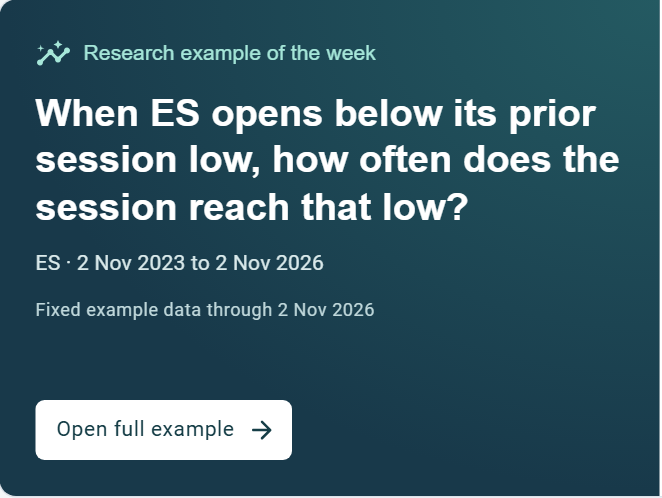
Open MarketStats Home to try a historical study with a fixed question and date range. A free account can read the example.
For example, “With this condition” counts only sessions that met the study condition. “All eligible sessions” gives the broader comparison. The dates shown belong to this worked example.
On a free account, return to Home and find Quick research guide. Use Next to move through it. If you previously finished or skipped it, select Restart guide.