
Start on Home and select your Market. Your next destination depends on whether you want to look up a statistic, test a question or prepare for a session.
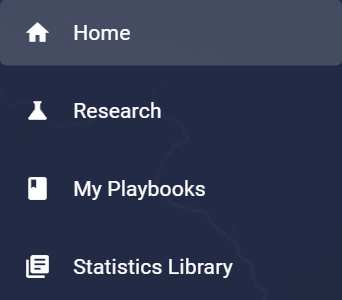
Use Statistics Library for a question the product already answers. For “How wide is the initial balance?”, search for “initial balance” and choose the width distribution. Check the selected market before reading the result. This lookup is available with free access.
Open Research when your question includes a condition or a time window. For example, use Scenario Lab to check how often sessions reach the prior high after a particular opening condition. Start with a worked example to see its sample. With paid access for that market, adjust the settings and run your own study.
Use My Playbooks to bring saved research into a session plan. For example, save your prior-high study, add it to a playbook and select the session date and checkpoint. After the session, return to the plan to review what happened. Free accounts can explore a worked playbook preview.