
Save a study when you want to keep its settings with your MarketStats account. A descriptive name makes it easier to find the original after other studies accumulate.
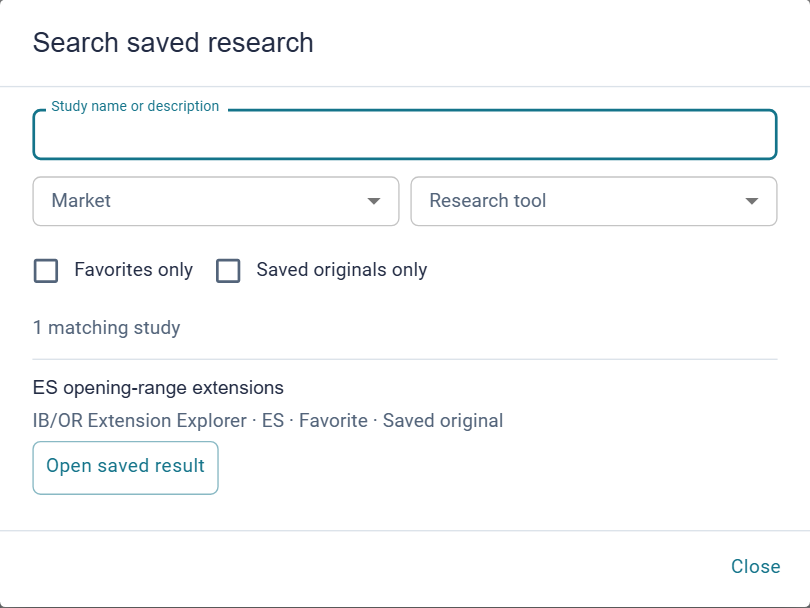
Use the original to review the captured result. Open the settings to run the question again. A rolling lookback can cover different dates when you rerun it.
Recent research can help you return to a tool you used. If a study seems missing from saved research, clear the market, tool and favorites filters, then check that you are using the account that saved it.