
The opening range (OR) is the high and low of five configured one-minute bars. A break requires a trade above the high or below the low. This screen reports both boundary breaks and the tests conditioned on which side broke first.
In the Statistics Library, open Opening range historical. This lookup requires MarketStats Pro access to the selected market.
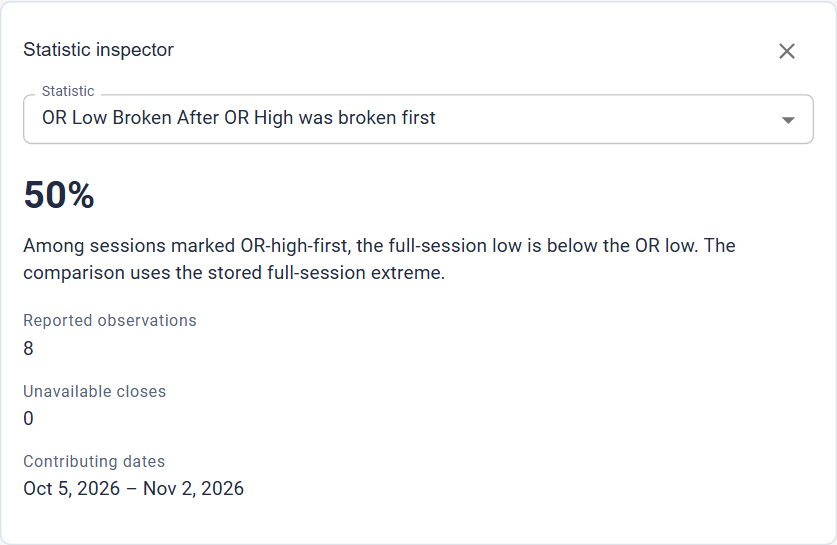
MarketStats uses the stored first-break flag and the full-session extreme. One-minute data can mark both sides first when one bar crosses both boundaries. The percentage alone cannot establish the order of trades within that minute. For distances after a recorded break, use the first upward break lookup or the first downward break lookup.