
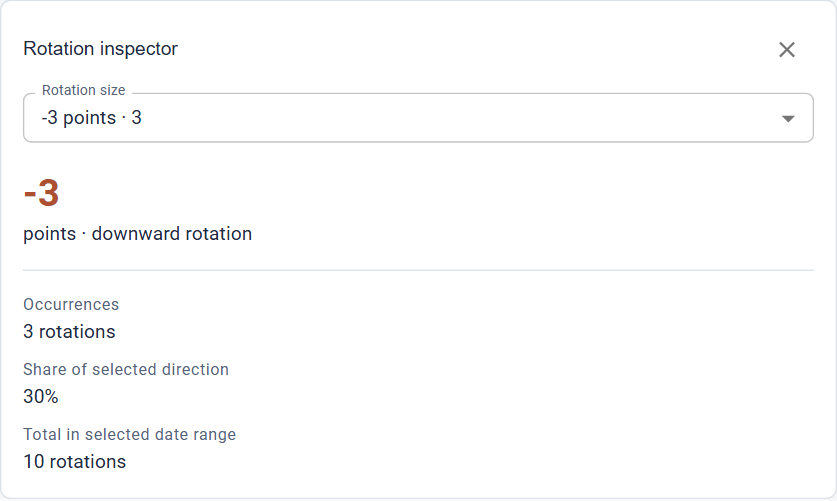
A downward rotation is a detected decline between turning points in the one-minute session data. Negative values show the direction. A −4-point rotation travels farther down than a −2-point rotation.
In the Statistics Library, open Down rotations. This lookup requires MarketStats Pro access to the selected market.
Open Up rotations with the same market and dates. Compare equal distances, such as +3 and −3 points. Each screen uses its own directional count. Read the counts before comparing the two shares.