Contact support

Open your first worked study

Open MarketStats Home to try a historical study with a fixed question and date range. A free account can read the example.

Open the example for your market

  1. In Market, select a symbol, such as ES.
  2. Find Research example of the week. Read the question, instrument and dates above the result.
  3. Select Open full example. Read what a session had to do to enter the sample.
  4. Find the outcome count and the number of sessions it comes from. When the example shows two groups, read the session count for each group.

For example, “With this condition” counts only sessions that met the study condition. “All eligible sessions” gives the broader comparison. The dates shown belong to this worked example.
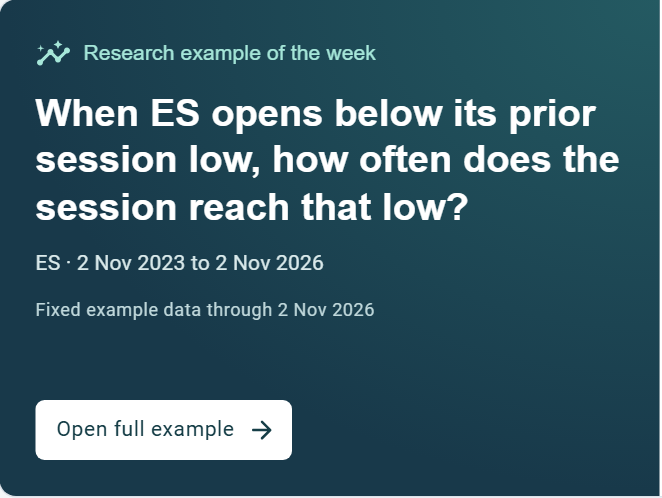
Research example of the week for ES, with the study dates and the Open full example button.
This ES example asks whether the session returns to the prior low. Select Open full example to see which sessions counted.

Return to the guide

On a free account, return to Home and find Quick research guide. Use Next to move through it. If you previously finished or skipped it, select Restart guide.