
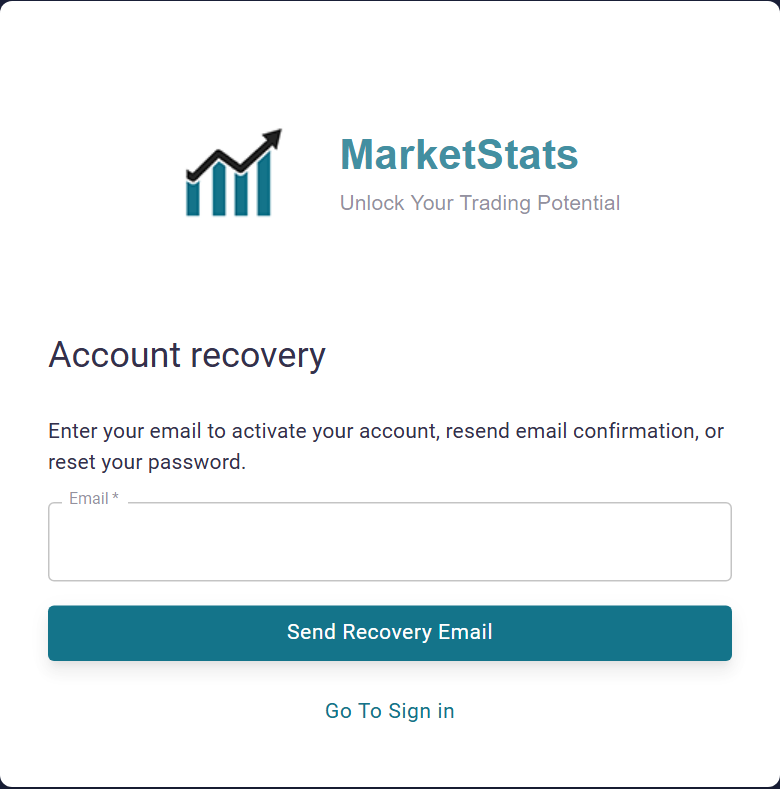
Use Account recovery if you forgot your password, still need to activate your account or need another confirmation email. Enter the email address you used for MarketStats.
Saving a new password signs out your previous sessions. Use the new password on each device.
Enter the six-digit code in Email code and select Verify and sign in. The code expires after 10 minutes. Select Send a new code if you need another one.
Request a new link through Account recovery. If the email still does not arrive, contact Chart Spots support with your account email and the message you see. Keep passwords, codes and recovery links private.