
Use the in-value lookup when the session opens inside both the prior range and the prior value area. You can check which prior levels traded or which side of the current session’s initial balance (IB) broke.
Use the prior VAH and VAL to locate the open. Use the current IB high and low to read the break outcomes. See the opening-scenario level definitions.
In the Statistics Library, open Open in range, in value. This lookup requires MarketStats Pro access to the selected market.
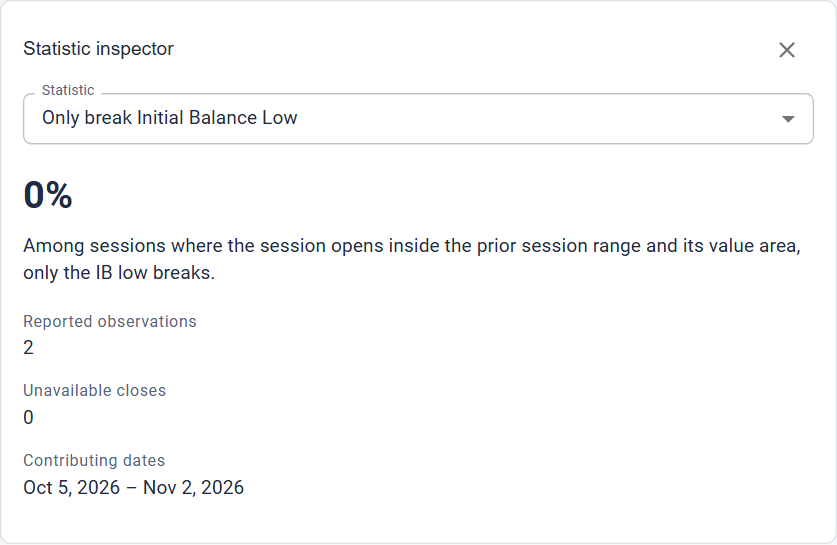
Yes. A session that breaks both boundaries appears under Both IB boundaries broken. Check that row as well if your question includes every low break. A session that stays inside its IB contributes to none of the three break outcomes. Use Prior levels reached for a touch of the previous session’s high, low or value levels.