
The overnight high and low are the extremes of the overnight period assigned to a trading date. This lookup checks whether the following configured session reached the high, low or both. An exact touch counts.
In the Statistics Library, open Overnight historical. This lookup requires MarketStats Pro access to the selected market.
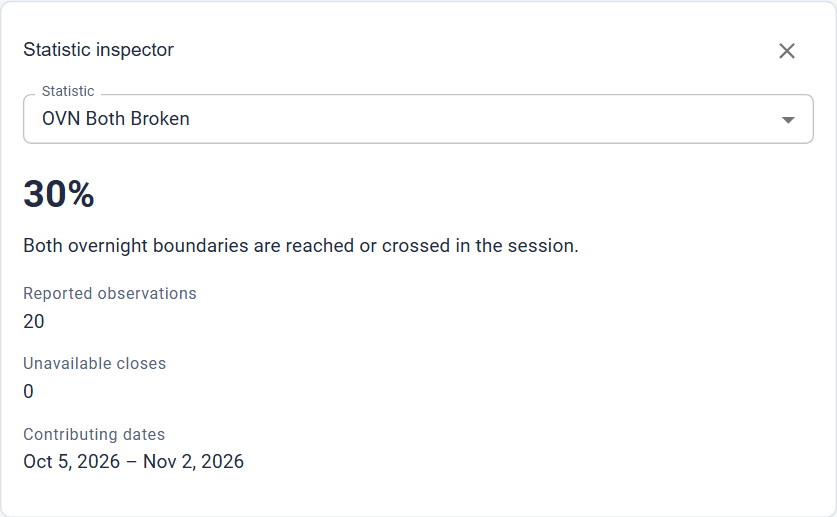
A session that touches both prices appears in each directional rate. Use the either-boundary row for the share that reached at least one. For three separate groups, read the outcomes for one boundary only, both boundaries and neither boundary.