To use the free MarketStats tools, register with your email address and confirm it from your inbox. If you already have an account, go straight to MarketStats sign-in.
Create your account
- Open MarketStats registration.
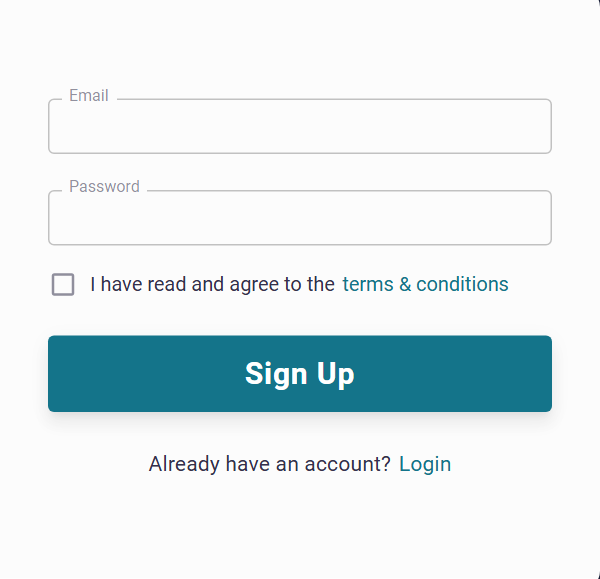
- Enter your email address and a password of at least six characters.
- Read the terms and select the agreement checkbox.
- Select Sign Up. MarketStats asks you to check your email.

Confirm your email and sign in
- Open the confirmation link in the email from MarketStats.
- Select Confirm Email Address. Wait for the message that your address is confirmed.
- Select Sign in. Enter the email address and password you registered with.
- Select Log In. If MarketStats asks for an email code, enter the six-digit code and select Verify and sign in.
You’ll see Home after sign-in. If the confirmation link has expired or you cannot find the email, request a fresh link through Account recovery. Check your spam folder as well as your inbox.