A playbook keeps the saved studies you use together. For example, you can keep a prior-high study and an opening-range study in one playbook for your ES morning review.
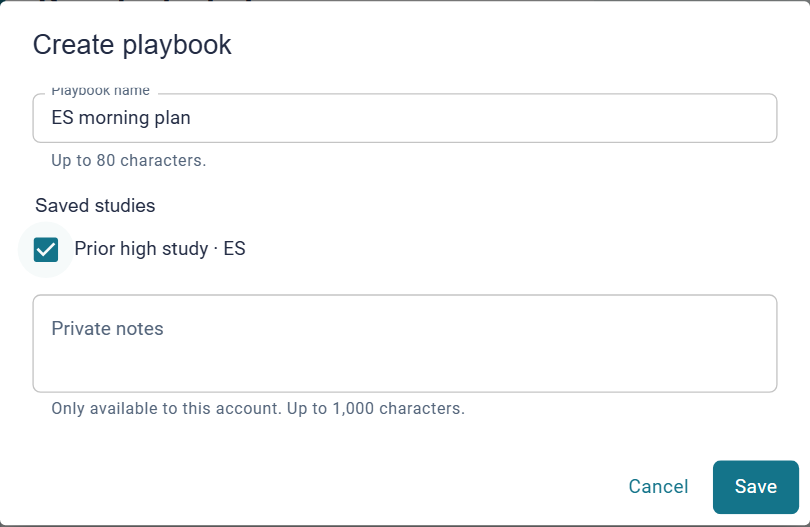
Create the playbook
- Open My Playbooks and select Create playbook. You need Pro access for a market to create a playbook with its studies.
- Enter a Playbook name. Under Saved studies, select one to twelve studies. Check the market beside each name.
- Use Private notes for an instruction that applies to the whole playbook. For example, “Check the prior high before reviewing the opening range.”
- Select Save. Find the playbook by name and check the number of saved studies.

Change the selection
Select Edit playbook, change the checked studies or notes, then select Save. A dated session plan keeps the study settings it had when you created it.
If the study list is empty
Use Browse research and save a study first. If your account has free access, open the worked playbook preview to see an Initial Balance checkpoint and its historical recap.