Contact support

Where does the session tend to close?

Compare the recorded session close with the initial-balance (IB) high, IB low or session value area. Each row answers a different question about the closing price.

Check a closing level

In the Statistics Library, open Session close historical. This lookup is available on Free and Pro.
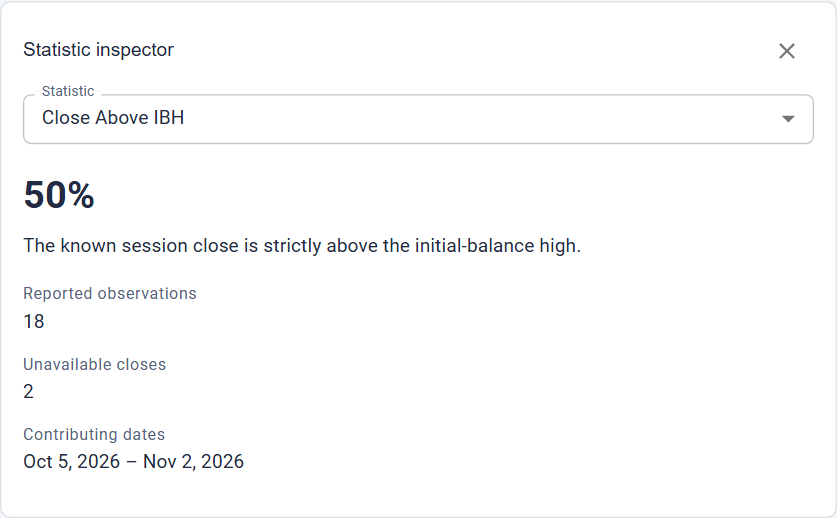
  1. Choose your market and dates, then select Table view.
  2. Select Close Above IBH to count known closes strictly above the IB high. A close exactly at the high does not qualify.
  3. In the inspector, read Reported observations and Unavailable closes. Use the known closes as the denominator for this row.
Close Above IBH inspector showing 50%, 18 reported observations and two unavailable closes.
Illustrative ES sample. Nine of 18 known closes finished above the IB high. The other two session records had no usable close.

Which row should I use after a one-sided break?

Under After a one-sided IB break, use the comparison for the side that broke. A close above the high after a high-only break uses that smaller group. For the midpoint comparisons, the reference is halfway between the full session high and low.

Read historical percentages and weekday breakdowns