
Use Reference Level Explorer to see how often price reached a level after a chosen decision point and how long a confirmed touch took.
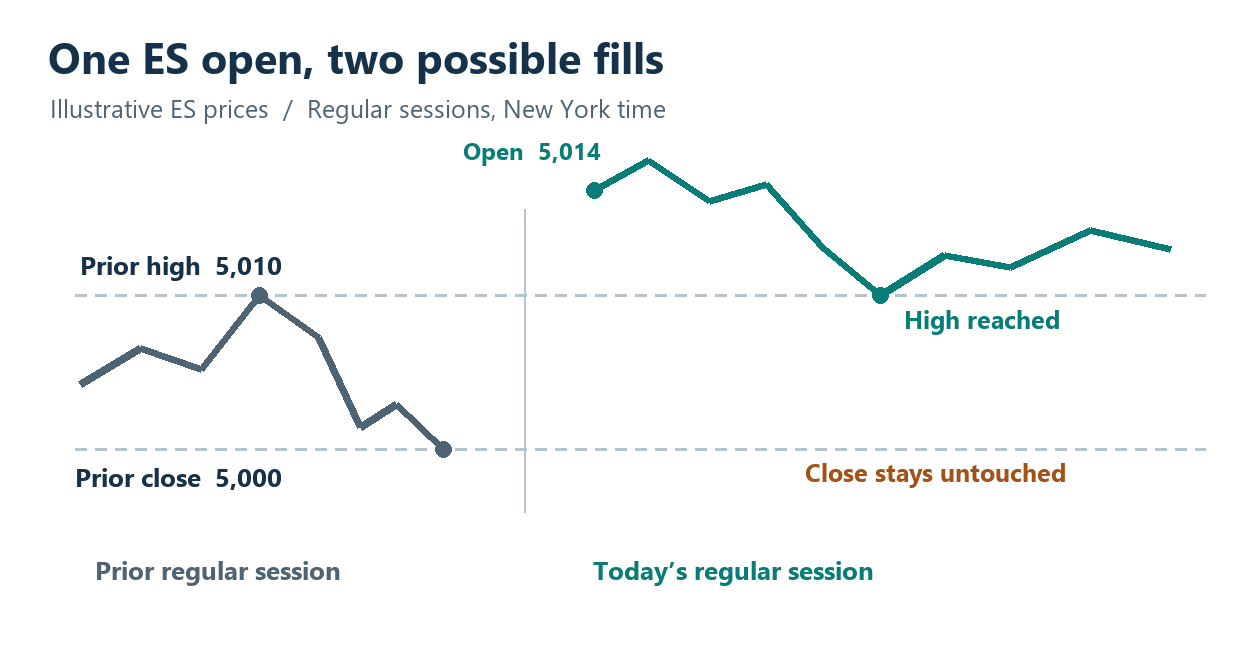
The touch rate uses sessions with enough evidence to evaluate that level. Check the confirmed hits and eligible sessions beside each rate.
Under Time to touch, the median describes confirmed hits with usable timing. The middle 50% shows how spread out those times were. A confirmed hit can lack a resolved time, so check the timed count before comparing two medians.