
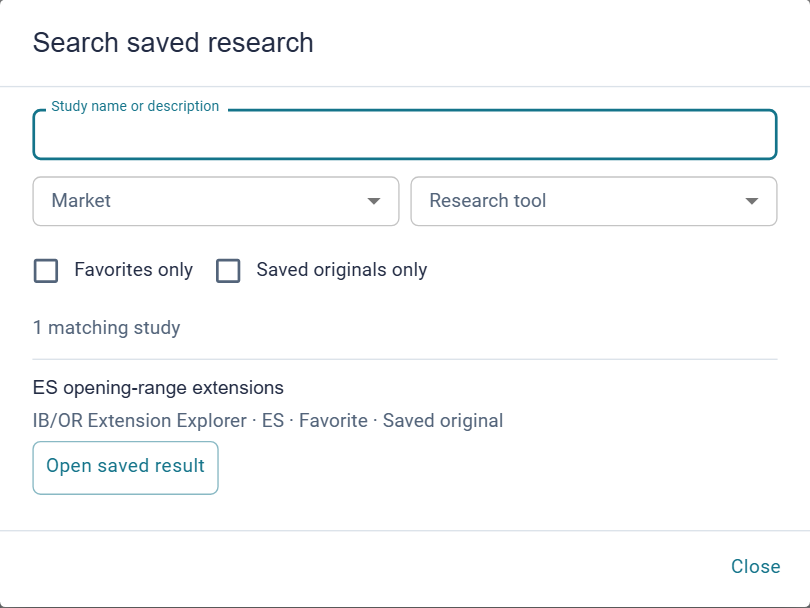
A saved original records the evidence available when the study was saved. Use it as your starting point when a later run gives a different result.
Compare the actual date windows, matched sessions and eligible sessions before comparing percentages. An updated rolling window can add recent sessions and drop older ones. A larger count may explain a percentage change even when the outcome definition stayed the same.
If the original expired or your access changed, read the message. Available saved settings can reproduce the question. A fresh calculation cannot establish exactly what the unavailable original displayed.