
Open a historical recap to compare the question in a dated plan with the stored evidence for that market and session. A plan for a future date can stay in your playbook until the session is processed.
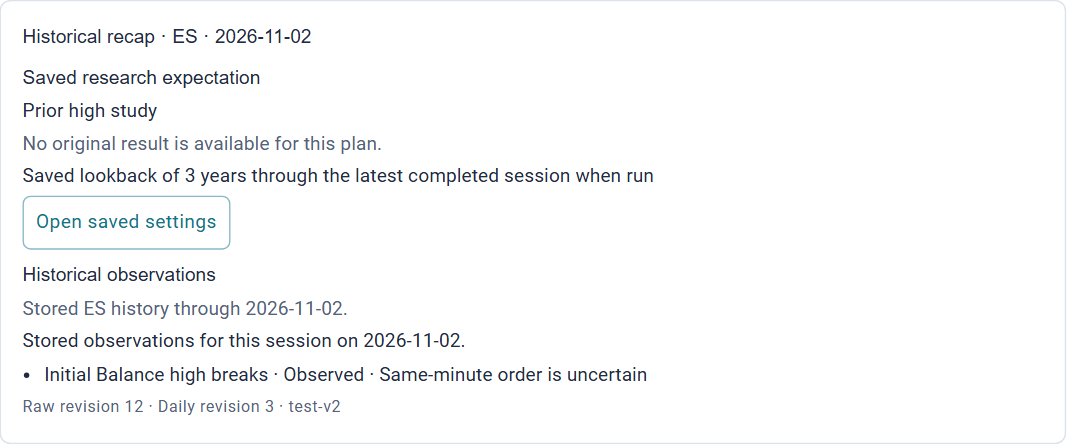
A Scenario Builder replay checks the saved conditions at the checkpoint before showing the outcome. A sequence replay checks the trigger, event order and time limit. A level or range study shows the touches or price movement supported by that study.
A Target & Stop Lab replay uses the saved entry and exit rules. For Strategy Hypothesis, choose a completed session after the full saved study window. The recap withholds protected sessions and sessions inside that window.
Session not yet available means the completed session is still pending. If historical evidence is unavailable or needs a rebuild, leave the outcome unresolved. An unavailable observation gives you no basis to count a miss.