
Use the journal to keep your observation, the outcome you recorded and a date to review the entry. Each entry belongs to one session plan.
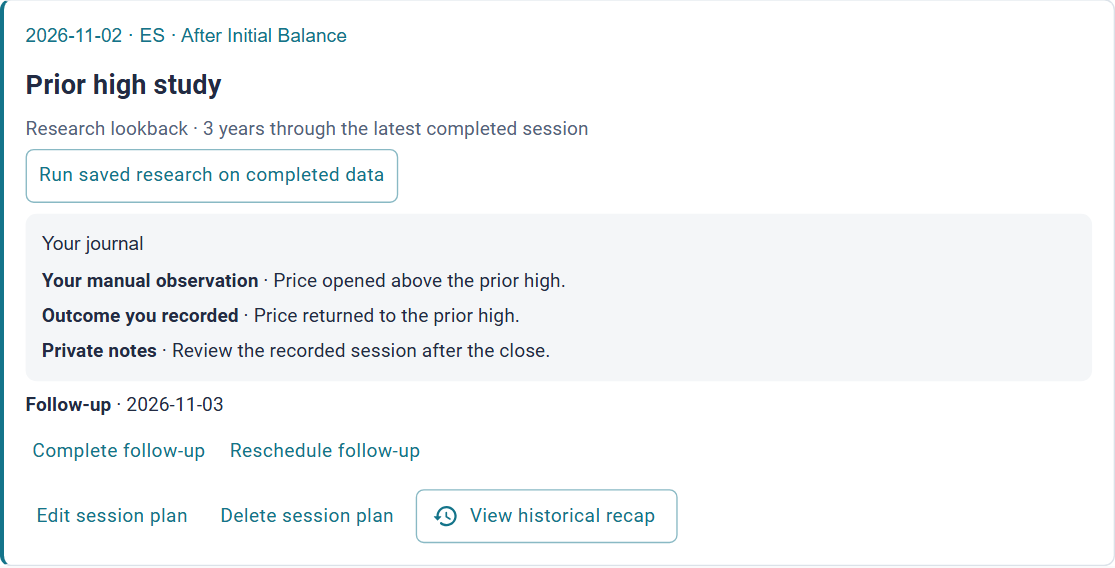
In Filter session journal, select a Journal market or enter a study name, observation, outcome or note in Search journal. For the illustrated entry, search for “prior high”. Select Clear journal filters to see all entries again.
On the entry, select Complete follow-up to mark the review finished. To change the date, select Reschedule follow-up, enter the new date and confirm. Use Reopen follow-up to return a completed review to your list.