
Compare the recorded session close with the initial-balance (IB) high, IB low or session value area. Each row answers a different question about the closing price.
In the Statistics Library, open Session close historical. This lookup is available on Free and Pro.
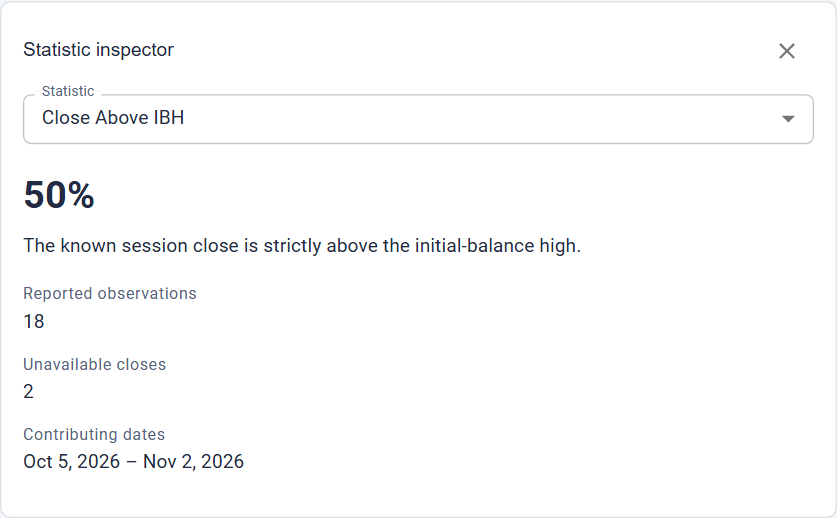
Under After a one-sided IB break, use the comparison for the side that broke. A close above the high after a high-only break uses that smaller group. For the midpoint comparisons, the reference is halfway between the full session high and low.