
Use the weekday breakdown to compare a day type across weekdays. Each percentage uses only the classified sessions for its own weekday.
In the Statistics Library, open Day type per weekday. This lookup requires MarketStats Pro access to the selected market.
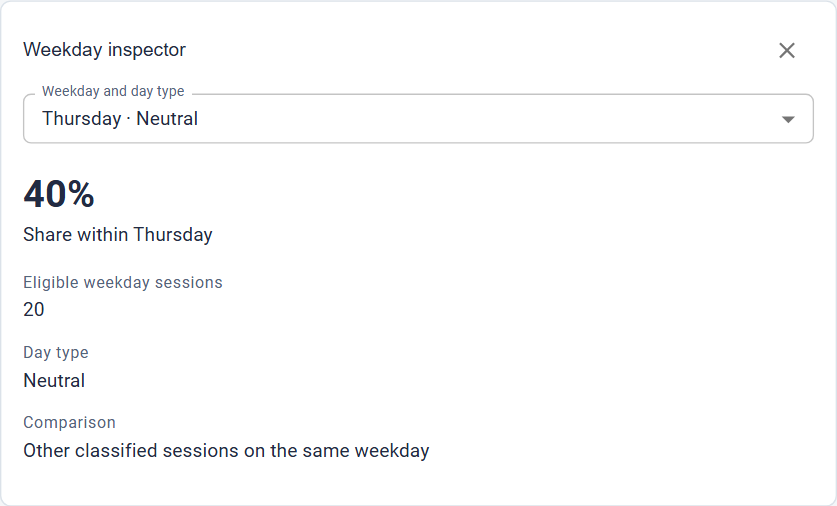
No observations means the screen has no eligible percentage for that cell. A displayed 0% with eligible sessions means the type did not occur in that group. For the frequency across all selected daily records, open Day type historical.